
3D Product Configurator
Choose a product. Make it yours in 3D.
Personalize a supported product with your colors and artwork in real-time 3D. No design software experience needed. Save your design for a reviewed quote.
- Real-time 3D preview
- Your colors and artwork
- Save your design
Find your starting point
Choose the product you want to design.
Start with a product for yourself, your team or your brand. Open its 3D editor to explore the colors, artwork areas and options available for that product.
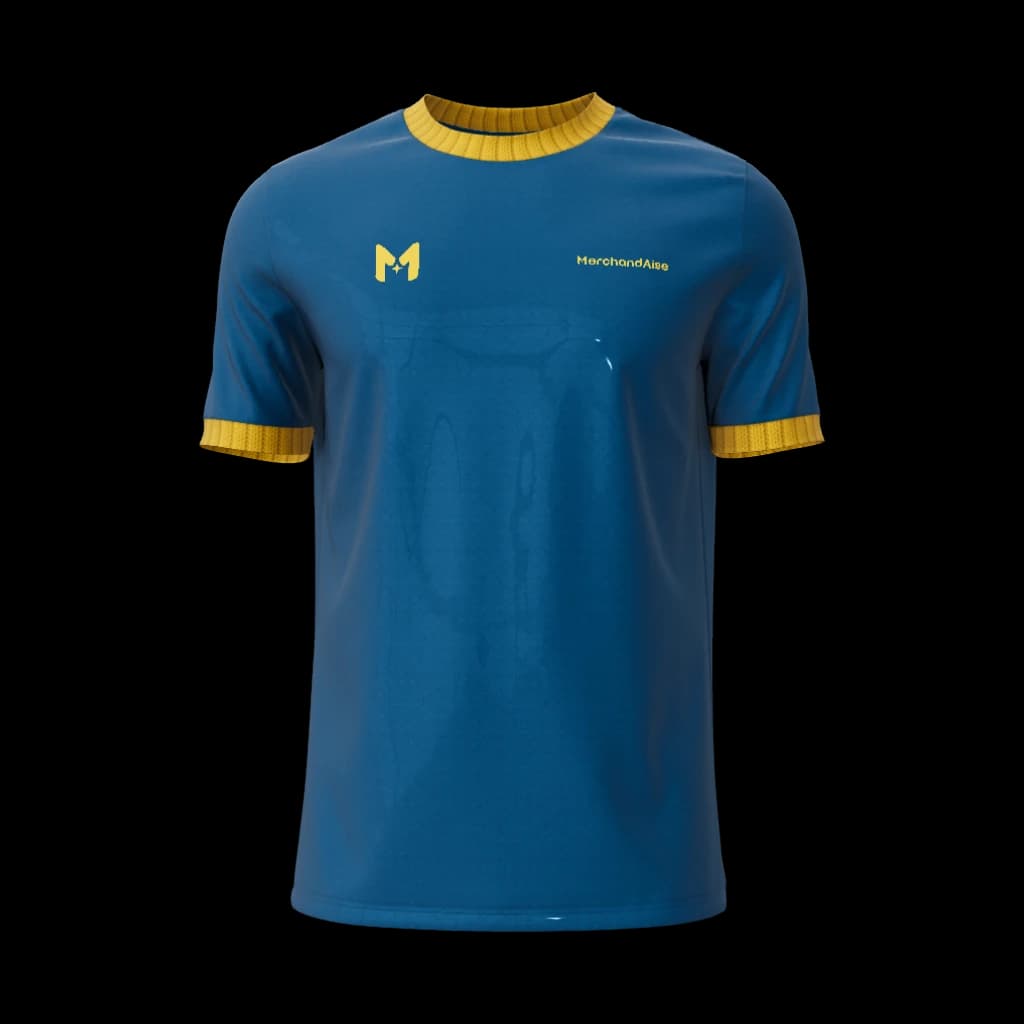
Teamwear
Custom Men's Jersey Crew-Neck with Cuffs
Create a jersey with your team colors, club logo and sponsors.
Design in 3D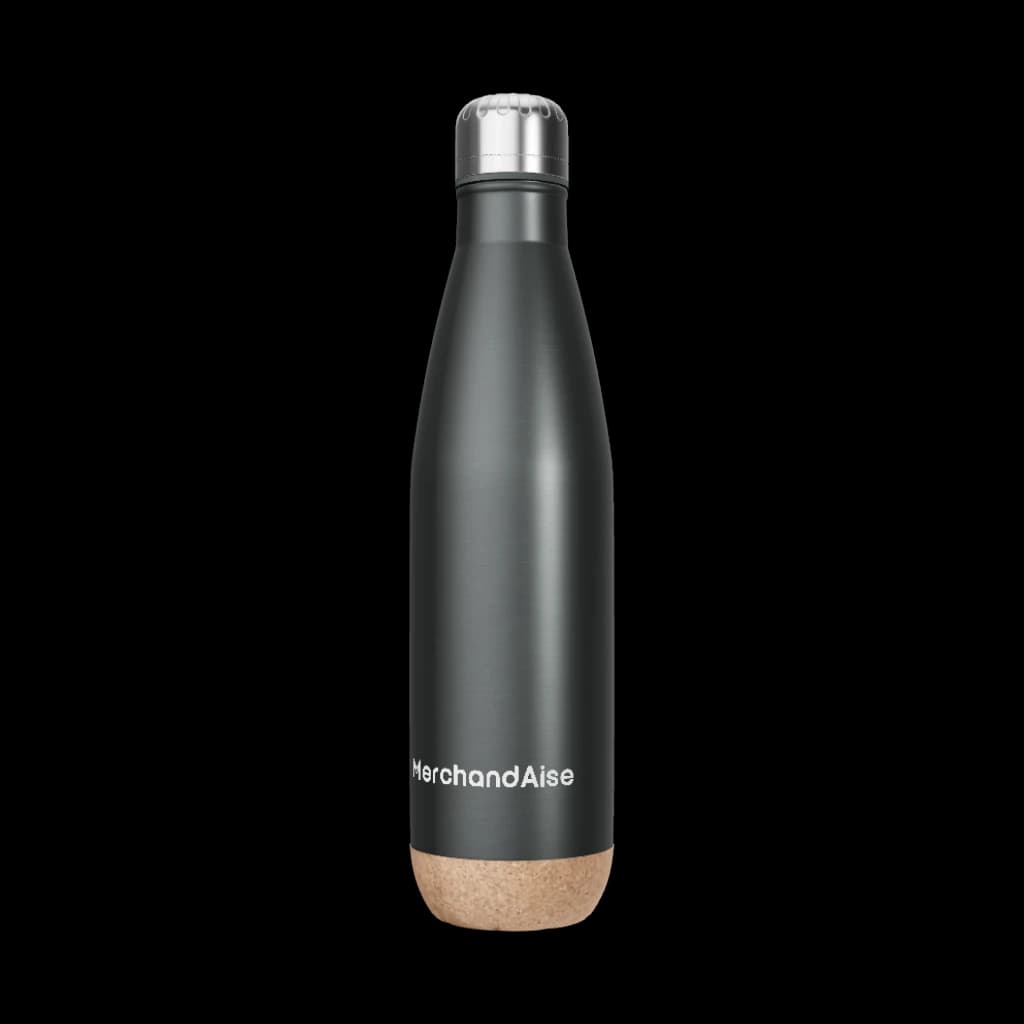
Drinkware
Custom Stainless Steel Bottle
Make a reusable bottle your own with colors and artwork.
Design in 3D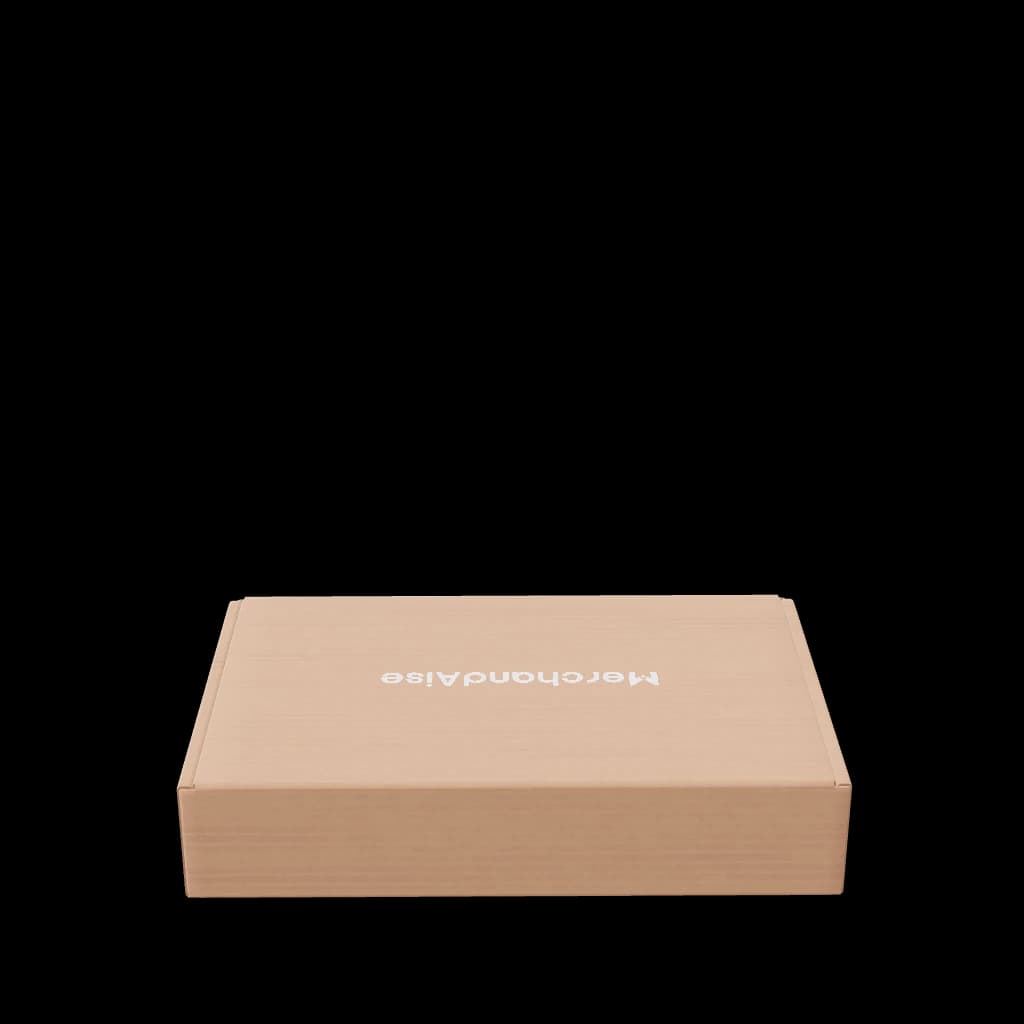
Packaging
Custom Mailer Box
Bring your brand to a mailer box with your own artwork.
Design in 3D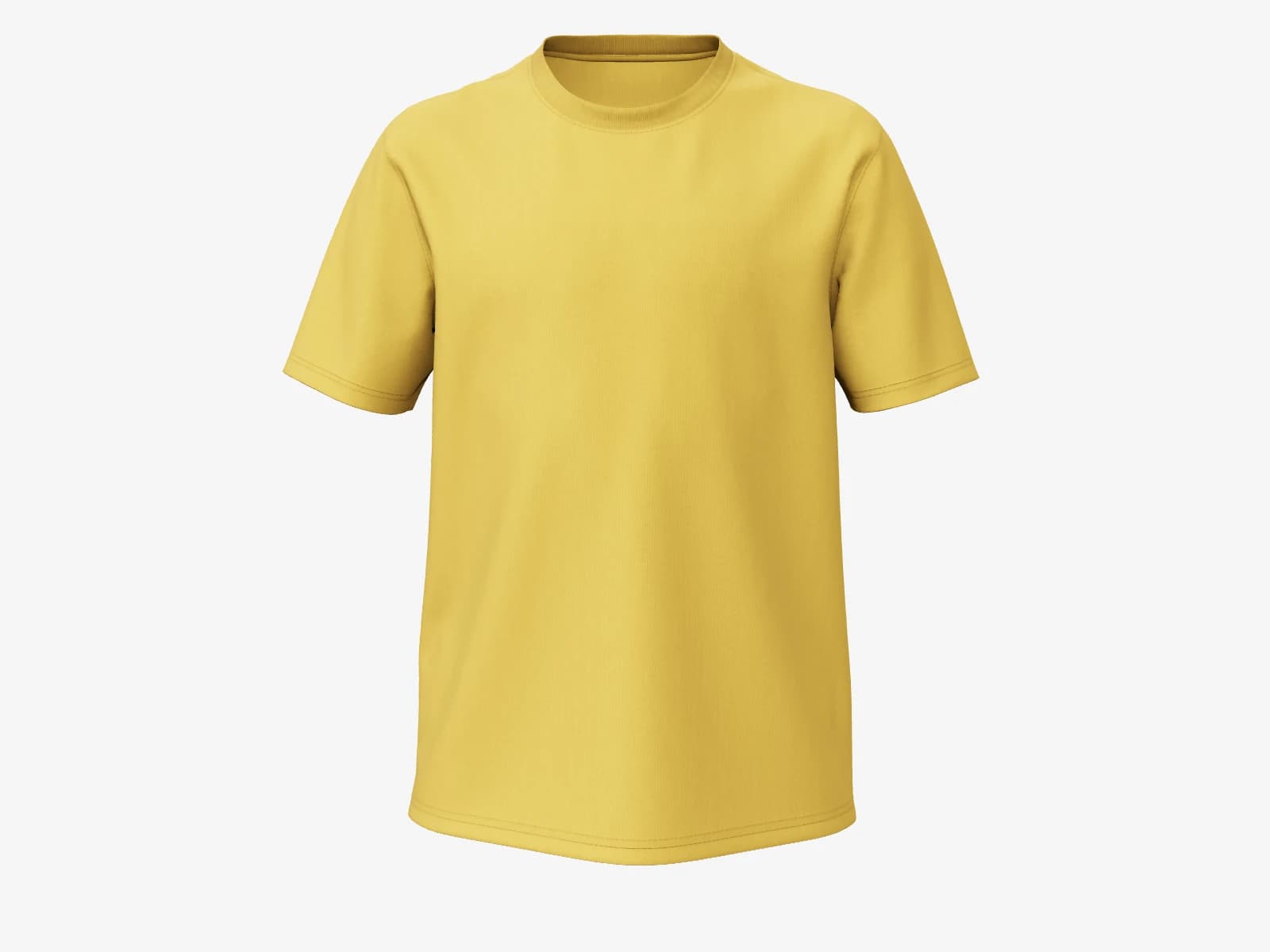
Apparel
Custom Kid's Cotton T-Shirt Crew-Neck
Personalize a T-shirt with colors and artwork for your idea.
Design in 3DAlready saved a design?
Sign in to pick up your saved designs and private artwork across devices.
See the product take shape.
The MerchandAise 3D product configurator lets you personalize supported products in your browser. Change colors, place your artwork and turn the product to see the result. Create for yourself, your team or your brand without professional design software.
From product to your design.
Choose a supported product and open its 3D editor.
Set colors, then upload and place your logo or artwork.
Turn the product to inspect your design in real-time 3D.
Save your design and share your requirements for quote review.
See your design. Review your quote.
The 3D preview shows your design. Our team reviews the product, quantity, materials, decoration and delivery requirements before confirming price, minimum order quantity, availability and timing. Changes to your design or requirements need a new review.
Have an idea, but not the product yet?
Explore AI-guided design to describe your idea and refine a direction through conversation. Here, you choose a product and edit it directly in 3D.
3D Product Configurator FAQ
What can I customize, and do I need design experience?
Start with a supported product from the selection on this page. Available colors, artwork areas and options depend on that product. You can use the visual 3D editor without experience in professional design software.
How is this different from the AI Custom Product Designer?
The configurator lets you edit a chosen product directly in 3D. AI-guided design starts with a conversation about your idea and helps refine a direction. The AI Custom Product Designer page explains that experience and the account-dependent access to the MerchandAise ChatGPT workspace.
When will I know the price and delivery date?
Our team reviews your design, quantity, materials, decoration and delivery requirements before confirming price, minimum order quantity, availability and timing in a quote. A 3D preview does not confirm production. Changes to your design or requirements need a new review.
Can I start before creating an account?
Yes. Browse supported products and open the editor as a guest. Sign in to keep private artwork, saved designs and design history available across devices.